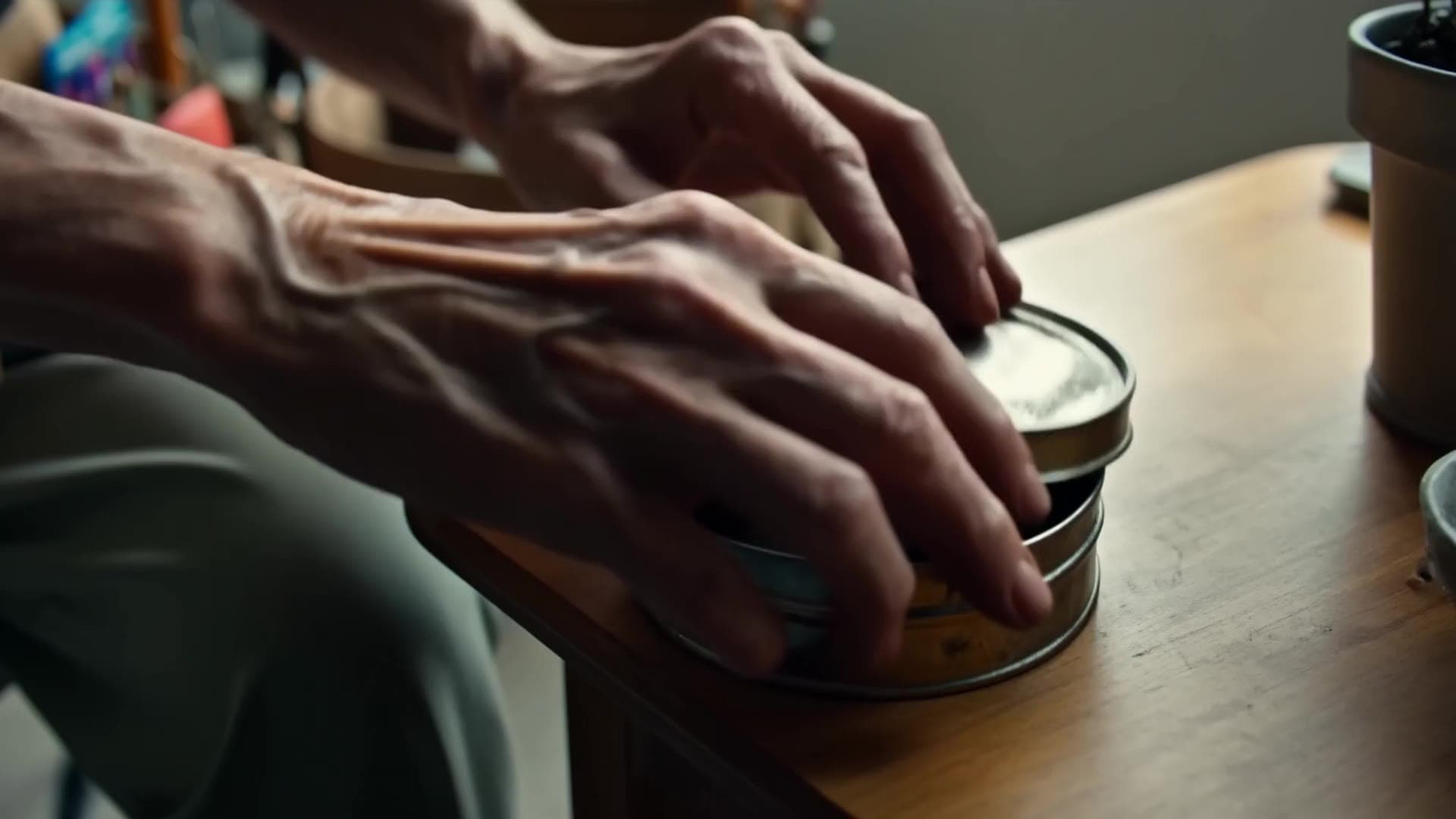
Transform your ideas into cinematic stories with Breme.
Create images, video, sound, editable SVG artwork, and complete productions in one connected workspace.
Start with a single line
Describe the frame, the shot, the scene, or the mark. Pick where to begin and the workspace carries it from there.
Pick from the latest models
The strongest image, video, audio, and vector engines run side by side. Pick one per shot, or let the workspace choose for you.

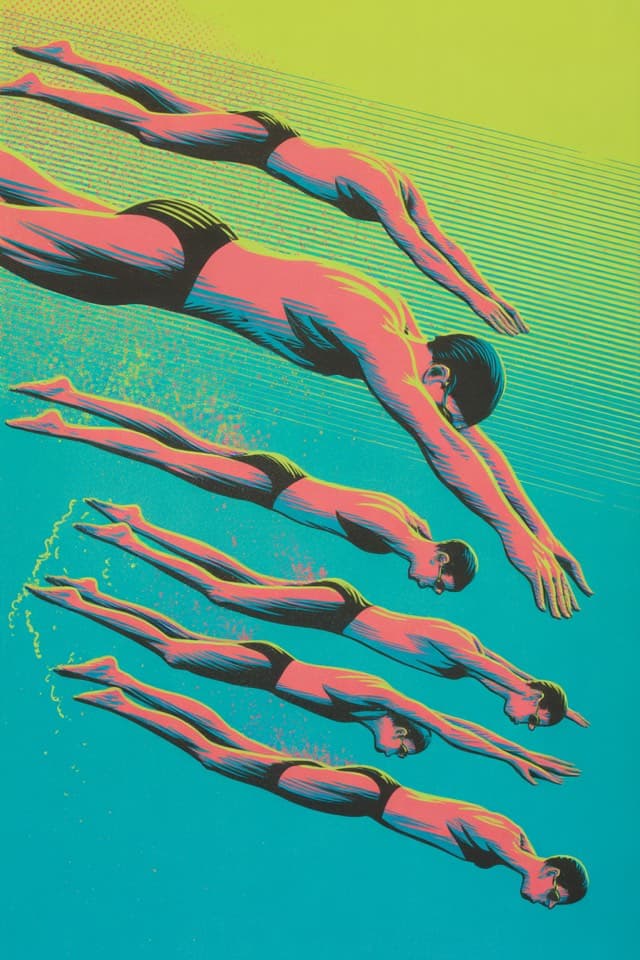


One workspace, many kinds of work
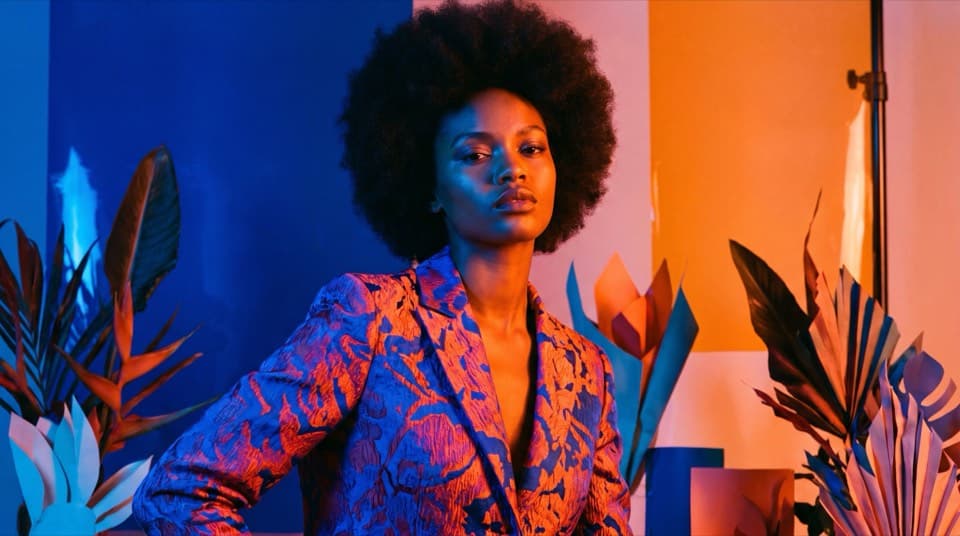
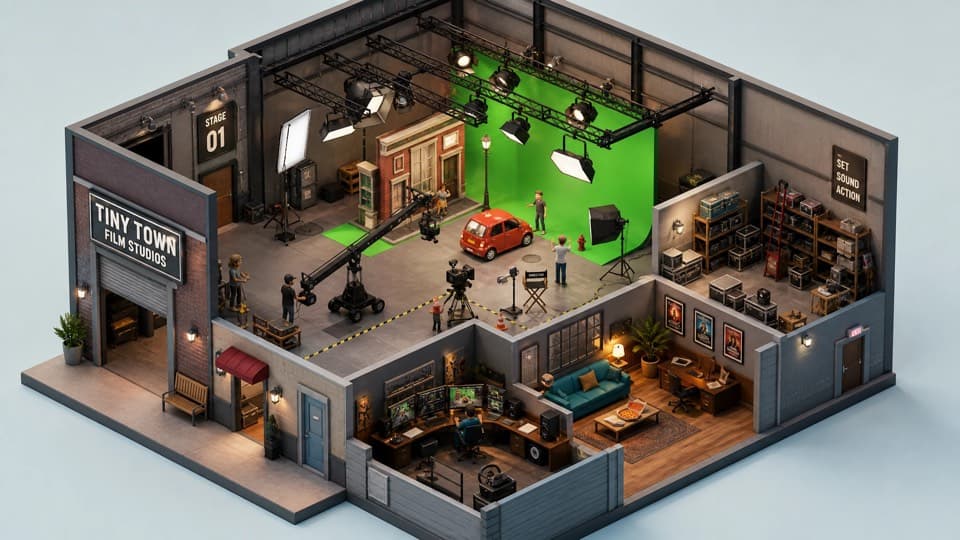
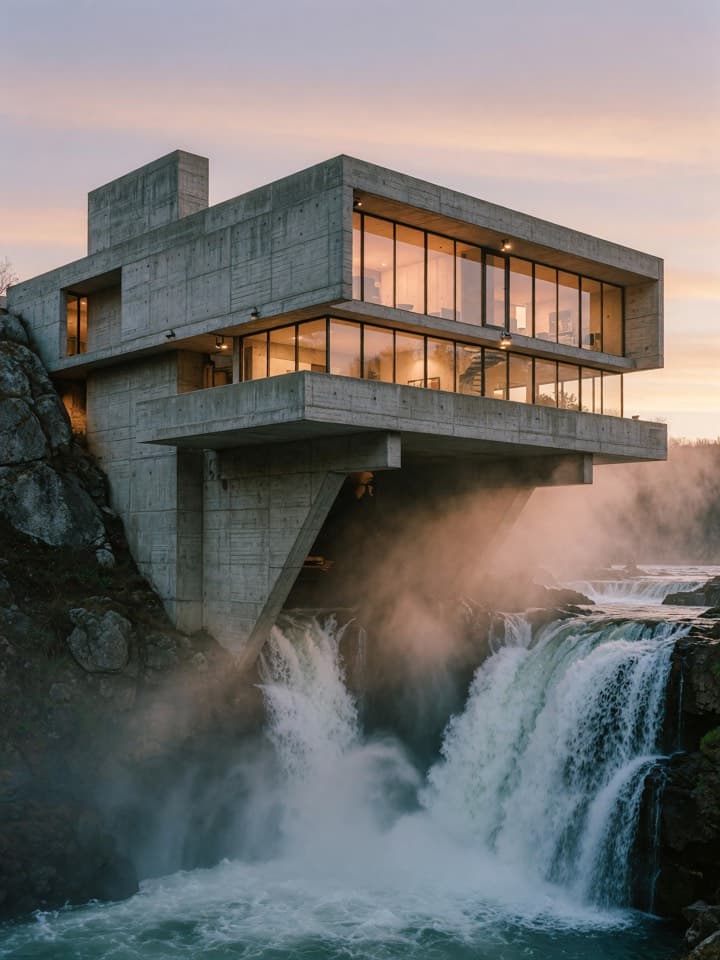
Make the campaign, the film, the frame, or the sound. Breme carries the idea through every stage.
Start your first production AdvertisingFrom brief to campaign-ready frames.Photo editingRelight, reframe, remove, extend, and polish.Pre-productionWrite, storyboard, and organize before shoot day.
 Brand campaignsKeep the look consistent everywhere.Video + audio editingCut, extend, clean the sound, and keep refining.Logos + vectorsDesign logos, icons, and flat vector art.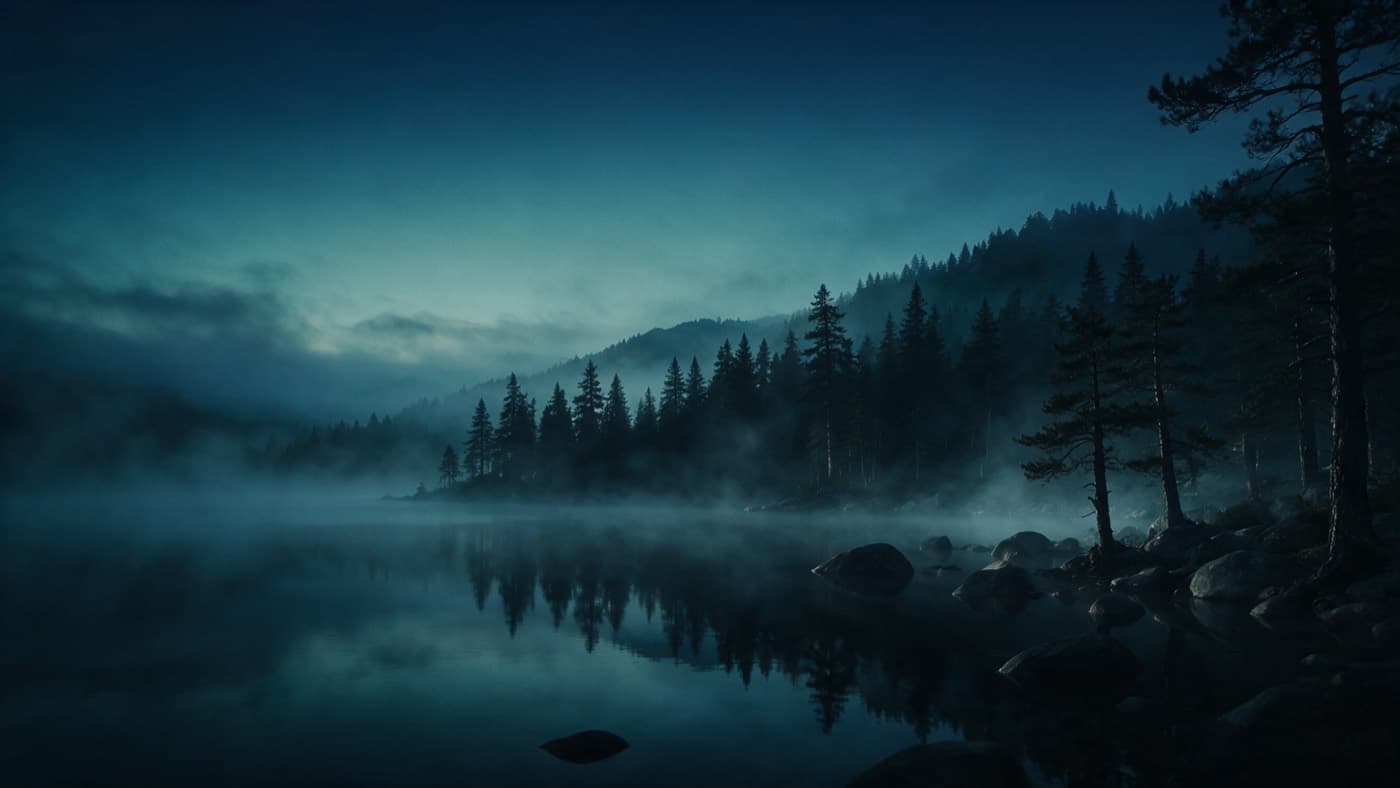
Change your mind after the shot
Relight an image, extend a clip, or clean up the sound, all on the media you already made
Explore editing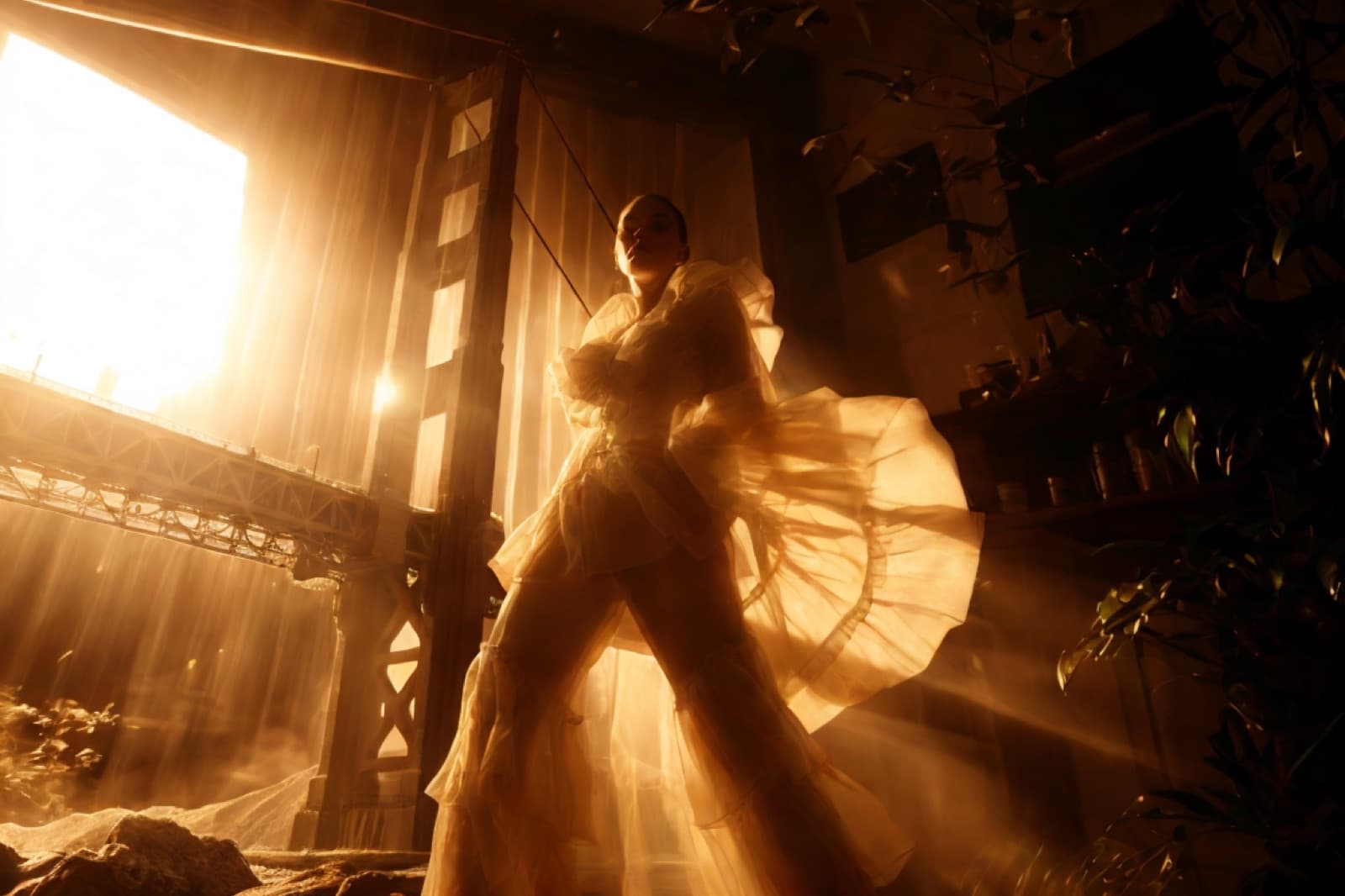
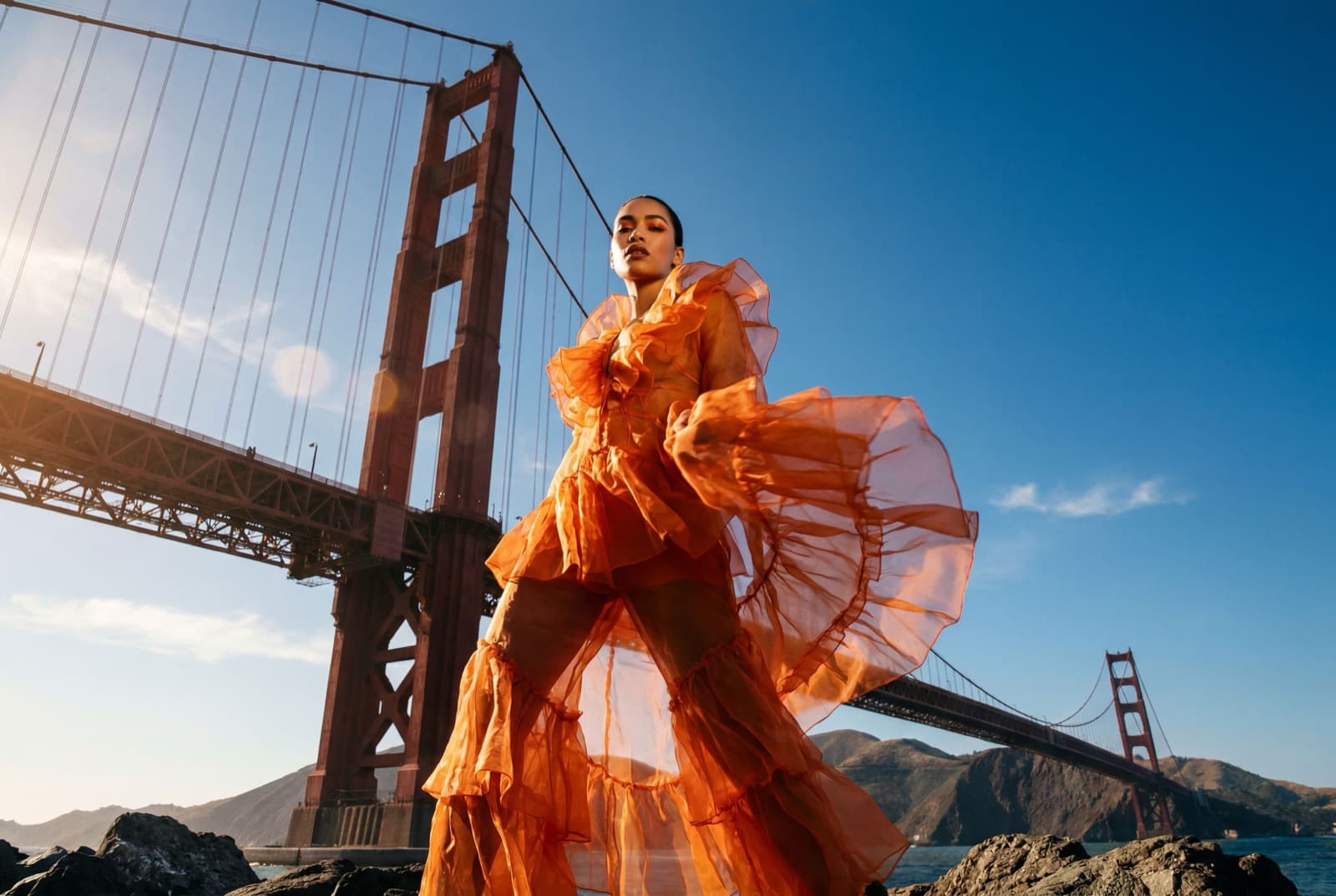
- Relight
- Inpaint
- Erase
- Remove background
- Upscale
- Reframe
- Extend
- Reframe
- Restyle
- Upscale
- Enhance
- Denoise
- Balance
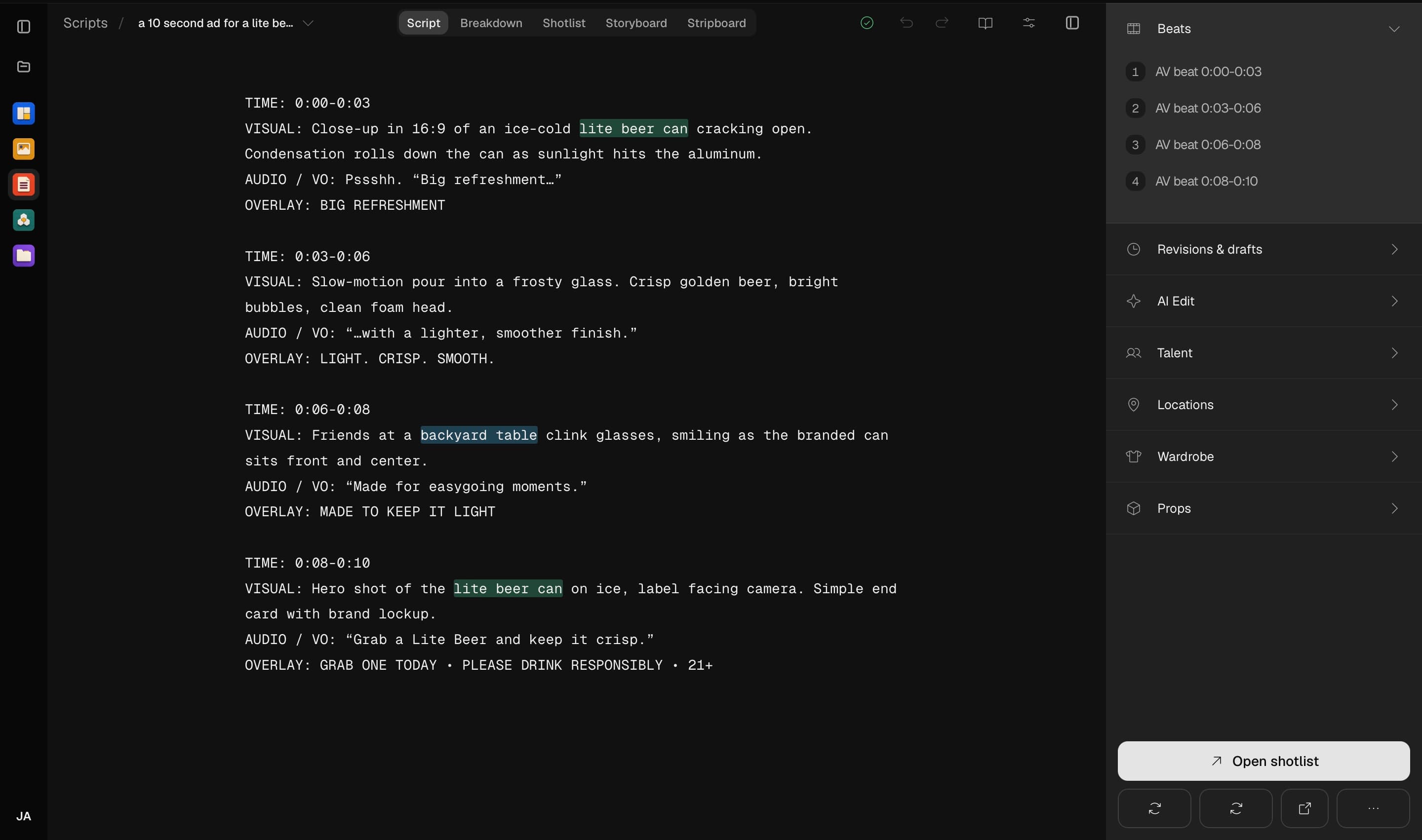
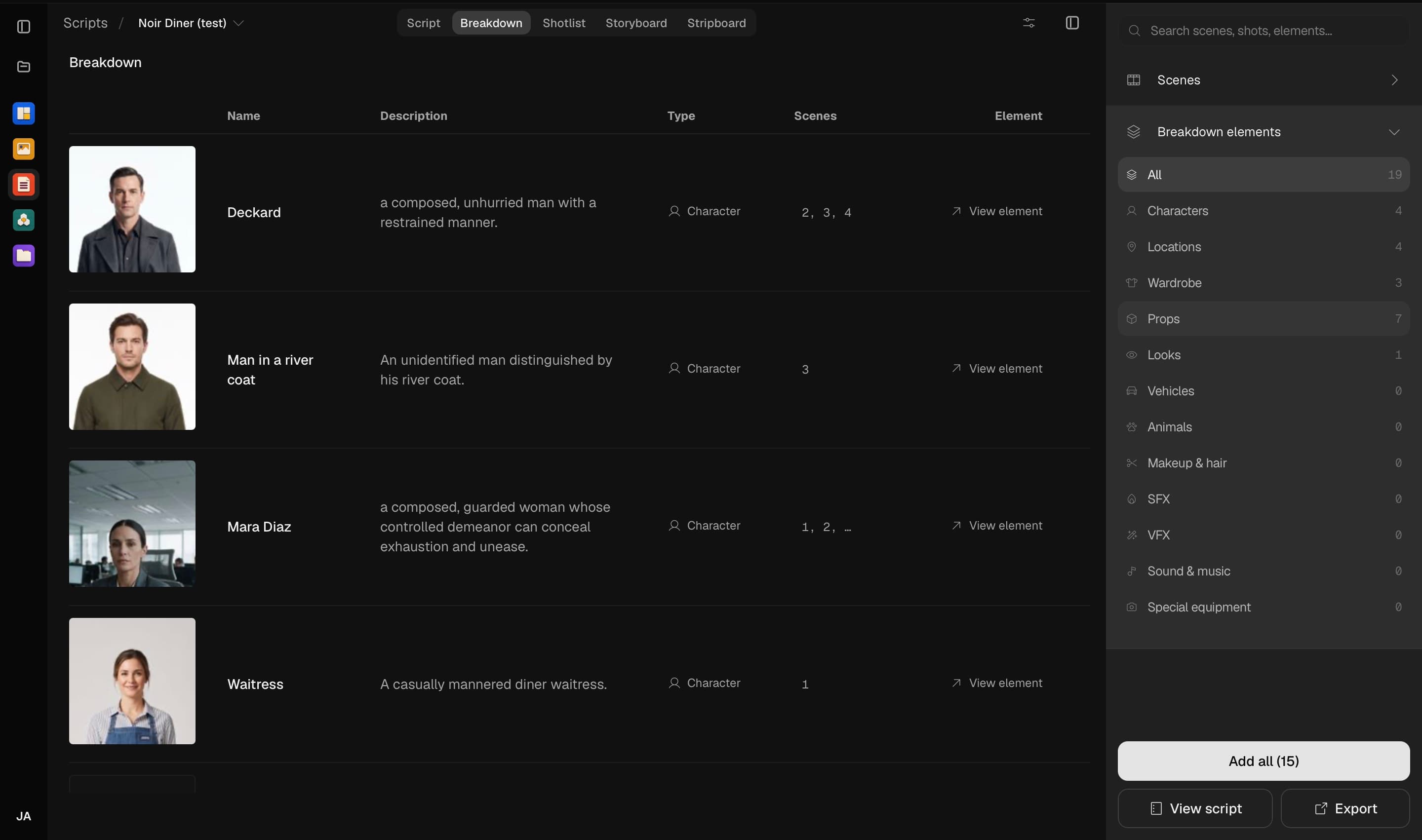
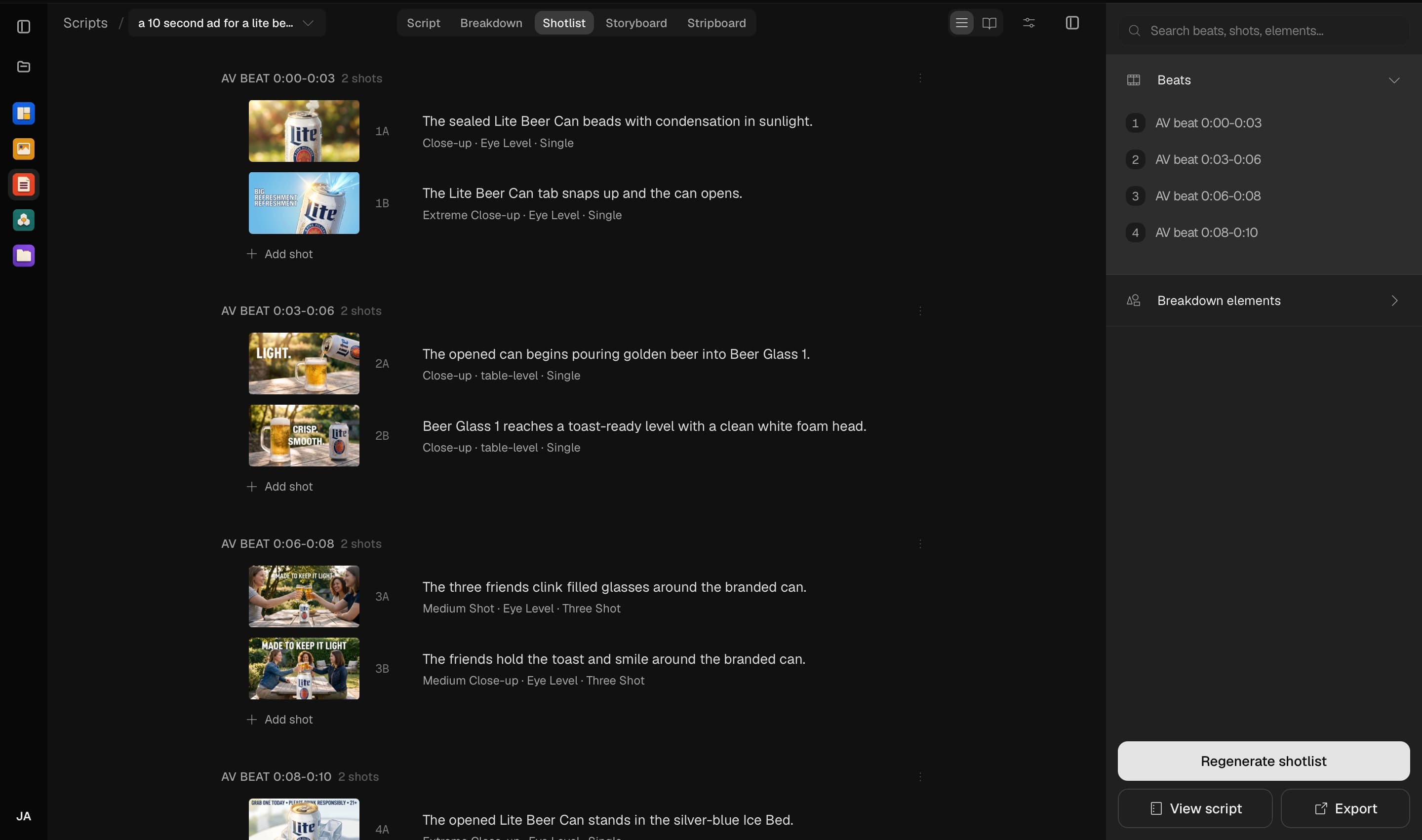
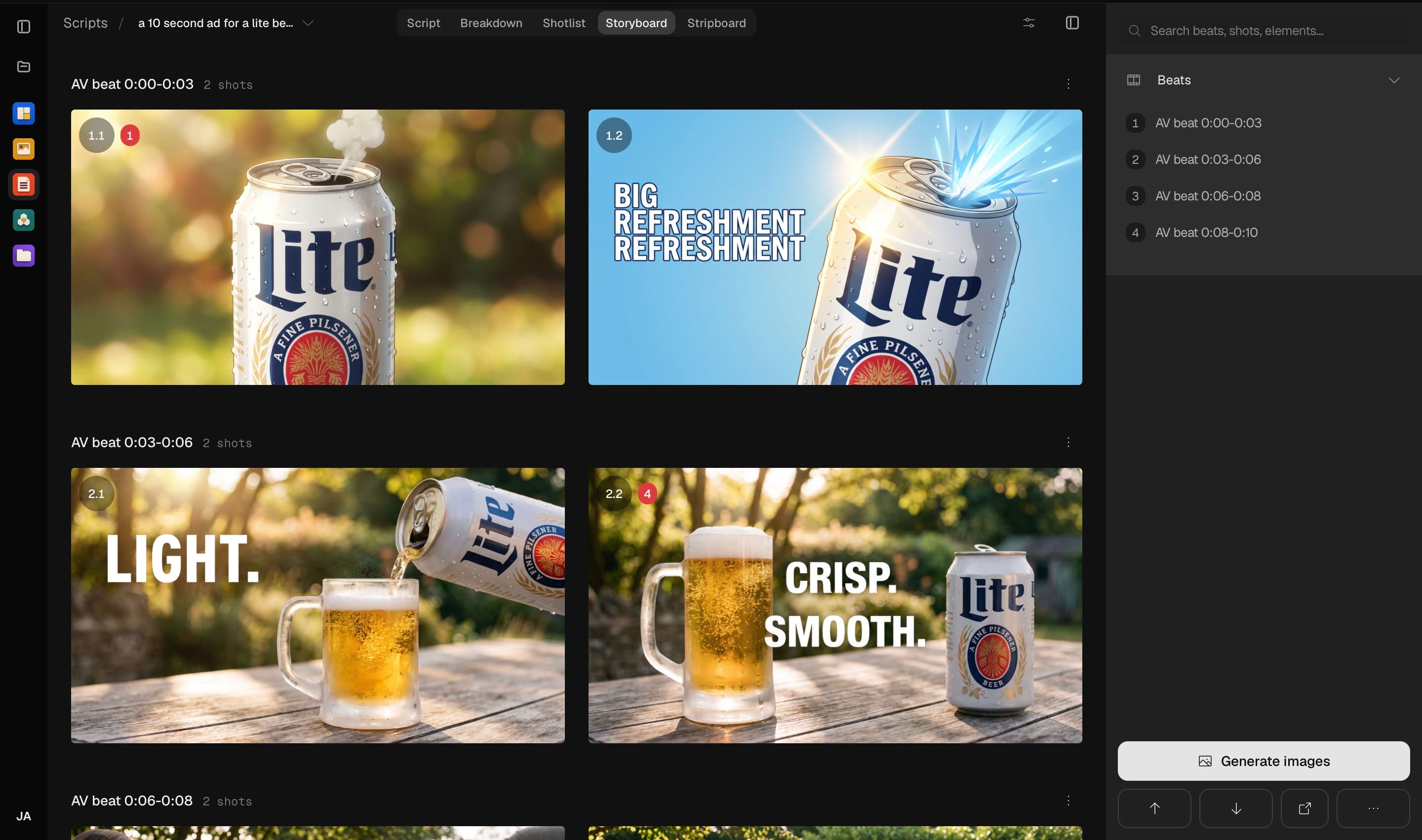
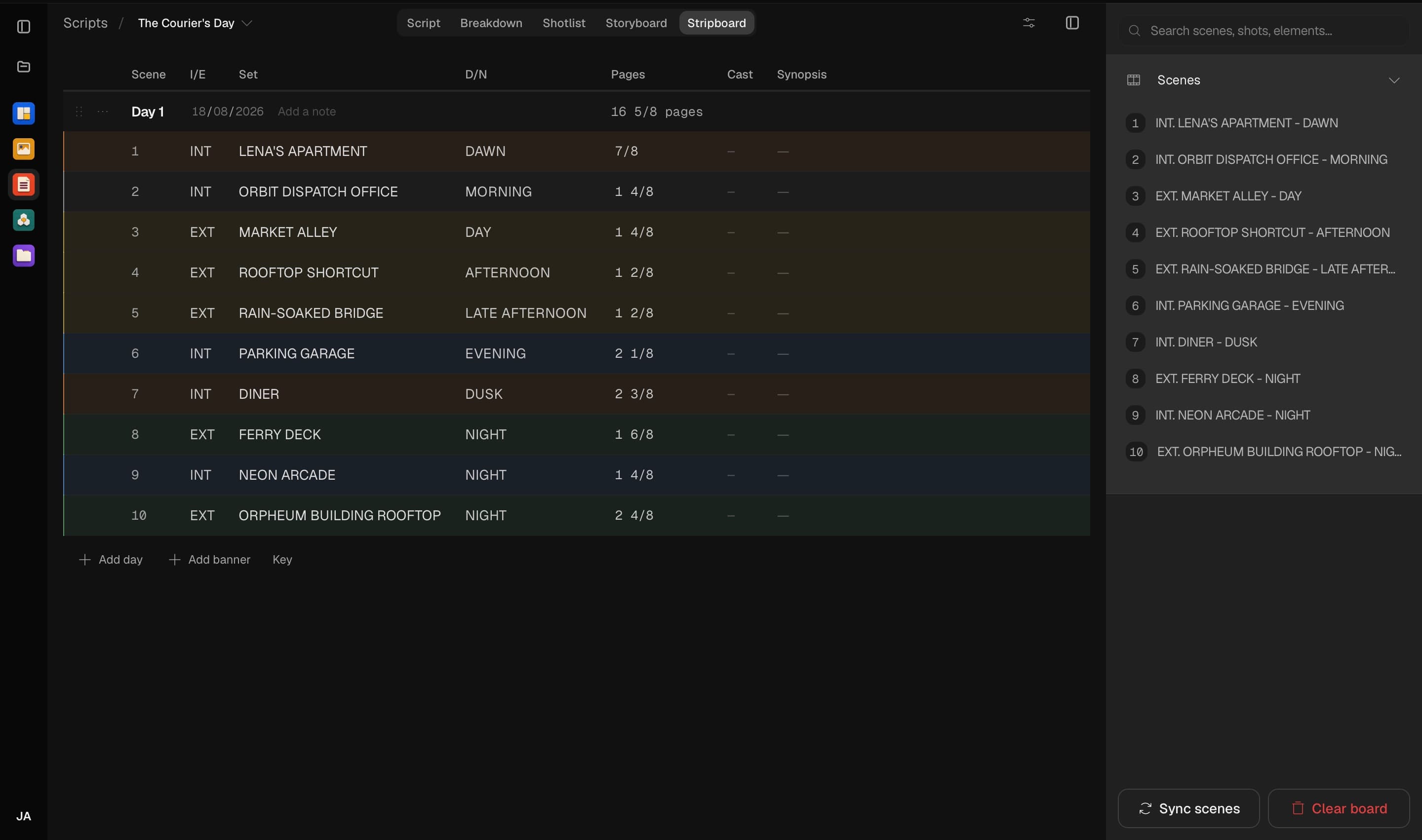
From script to shot-ready storyboard
Write it, break it down, and plan the whole film before a single frame is generated. Every stage reads from the same project
Artwork that stays sharp.
Generate logos, icons, stickers, and illustrations as editable vector artwork, then keep refining them in the same workspace.






From the blank page to the final cut, in one place
Breme runs the whole production pipeline in a single workspace, so the work moves from writing to shooting to editing without ever leaving the app or losing the thread







Questions

Take a production from screenplay to screen
Write, direct, produce, and refine in one workspace